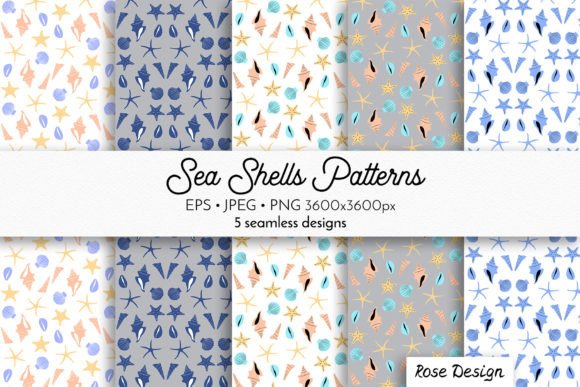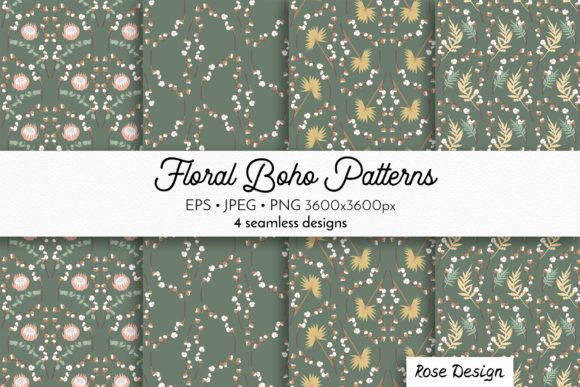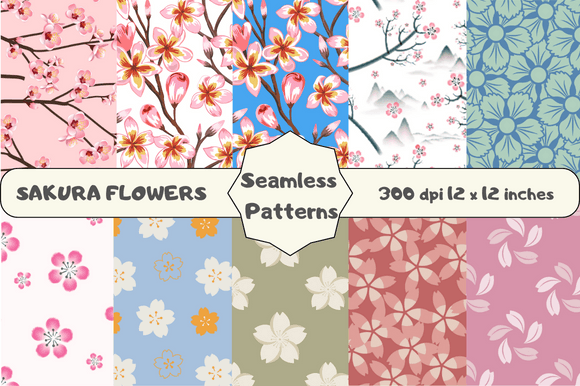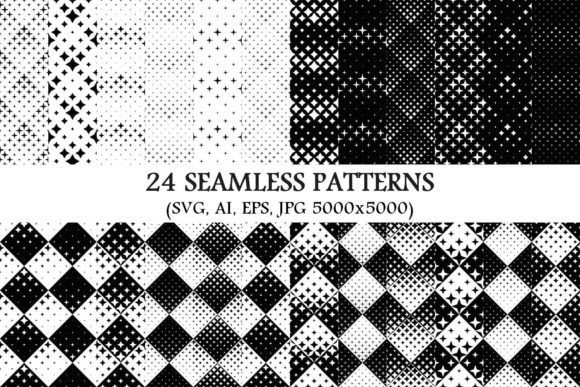
Dahlia Flowers Seamless Patterns Bundle
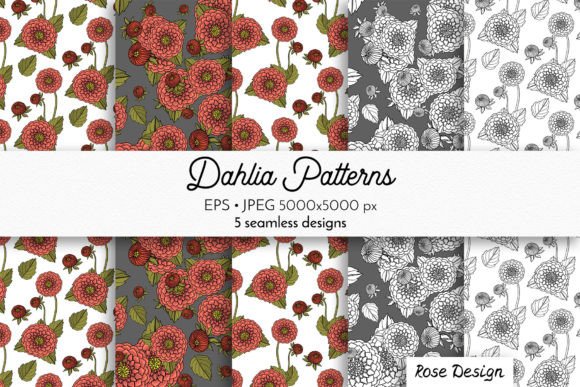
Imagine opening a digital toolkit filled with elegant, hand-drawn dahlia motifs—soft pinks blooming beside crisp monochrome florals—all designed to repeat flawlessly across any surface. That’s the Dahlia Flowers Seamless Patterns Bundle: a thoughtfully curated set of high-resolution, print-ready patterns built for real-world creativity.
What You’re Actually Getting (No Guesswork)
This isn’t just a collection of pretty pictures. It’s a practical design resource with two essential formats for maximum flexibility:
- 5 high-definition JPG files—each 5000×5000 pixels, ideal for printing on wrapping paper, greeting cards, or large-format textiles without pixelation.
- 5 editable EPS10 vector files—scalable to any size, perfect for logo integration, embroidery digitizing, or adapting colors in Adobe Illustrator or Affinity Designer.
Every pattern is truly seamless—meaning edges align perfectly when tiled—so you won’t see awkward breaks or visible repeats, whether you’re designing a pillow cover or a full bolt of fabric.
Why These Dahlias Stand Out
These aren’t stocky, generic florals. Each dahlia is hand drawn with gentle line work and organic variation—some petals curl slightly, others overlap naturally. The pink versions bring warmth and softness; the monochrome options offer timeless versatility, especially for minimalist branding or modern stationery. Because they’re created by hand—not generated by AI—they carry subtle texture and character that feels personal and intentional.
That authenticity matters. Whether you're a small-batch stationer choosing patterns for wedding invites or a teacher designing classroom posters, these dahlias add quiet sophistication without shouting for attention.
Where This Bundle Fits Into Real Creative Work
You don’t need to be a graphic designer to use this bundle—but designers love it too. Here’s how people actually apply it:
- Small business owners use the monochrome patterns for packaging labels or branded tote bags—clean, professional, and instantly recognizable.
- Scrapbookers and cardmakers print the pink patterns onto premium cardstock for layered backgrounds, then cut custom shapes or stamp over them for depth.
- Textile artists import the EPS files into fabric design software to adjust scale, recolor, or combine with other motifs before sending to print-on-demand services.
- Educators project the patterns during art lessons to discuss symmetry, repetition, and botanical illustration—or let students trace and adapt them for craft projects.
- Bloggers and content creators use the JPGs as subtle website or social media backdrops, adding visual cohesion without distracting from written content.
Even if you’ve never opened design software before, you can drag a JPG into Canva, resize it to fit a Pinterest pin or Instagram story, and have something polished in under two minutes.
Print-Ready Means What You See Is What You’ll Get
At 5000×5000 px, each JPG supports sharp output at common print sizes: 8×8", 12×12", or even 24×24" without interpolation. That makes them ideal for DIY wrapping paper (print on kraft or glossy stock), custom fabric yardage, or foil-stamped gift tags. No upsampling needed. No blurry edges. Just clarity and consistency.
The EPS files go further: change a single dahlia’s fill color and the entire pattern updates. Rotate elements, layer them with geometric shapes, or isolate individual blooms for logos—all without losing quality.
Simple Things to Keep in Mind Before You Start
While the bundle is beginner-friendly, a few practical notes help avoid hiccups:
- Check your software compatibility. EPS10 works in Illustrator CC 2015+, Affinity Designer, CorelDRAW, and most modern vector editors—but not in basic photo apps like Preview or Paint. If you only use Canva or Google Slides, stick with the JPGs.
- Consider your end use. Need vibrant pink tones? Use the JPGs as-is or tweak saturation in Photoshop. Want to match brand colors exactly? Open the EPS in Illustrator and edit swatches directly.
- Respect the seamless nature. When tiling in design software, avoid stretching or skewing—just duplicate and align edge-to-edge. Most programs (like Illustrator’s Pattern Options or Photoshop’s Define Pattern tool) handle this automatically.
- Think beyond “flowers.” These dahlias work surprisingly well for tech-adjacent uses—think subtle UI backgrounds, podcast cover textures, or even presentation slide accents where soft visual rhythm supports focus instead of competing with text.
A Resource That Grows With Your Projects
Unlike one-off clipart or fleeting trend-based graphics, this bundle offers lasting value. You’re not buying five static images—you’re investing in adaptable visual language. A single monochrome dahlia pattern might become your business’s signature textile for three years. The same pink version could evolve from a summer newsletter header into holiday gift wrap, then into embroidered napkins for a pop-up shop.
It’s also low-pressure creativity. You don’t need to draw anything yourself. There’s no learning curve to master first. Just open a file, place it, scale it, and go—whether you’re prototyping a product, prepping for a craft fair, or making something meaningful for a friend.
And because the collection balances delicacy with structure—the petals are detailed but not fussy, the lines are confident but not rigid—it bridges styles easily. Pair it with serif type for vintage charm, clean sans-serifs for contemporary flair, or watercolor textures for handmade warmth.
If you’ve ever hesitated to start a design project because you weren’t sure where to find trustworthy, beautiful, ready-to-use florals—this is your starting point. Not inspiration *someday*, but tools for today.